Remove tourists from your travel photos
You waited for the shot and the crowd never cleared. Tap each stranger in front of the landmark and they're gone — the steps, plaza, or coastline rebuilt behind them like the place was empty.
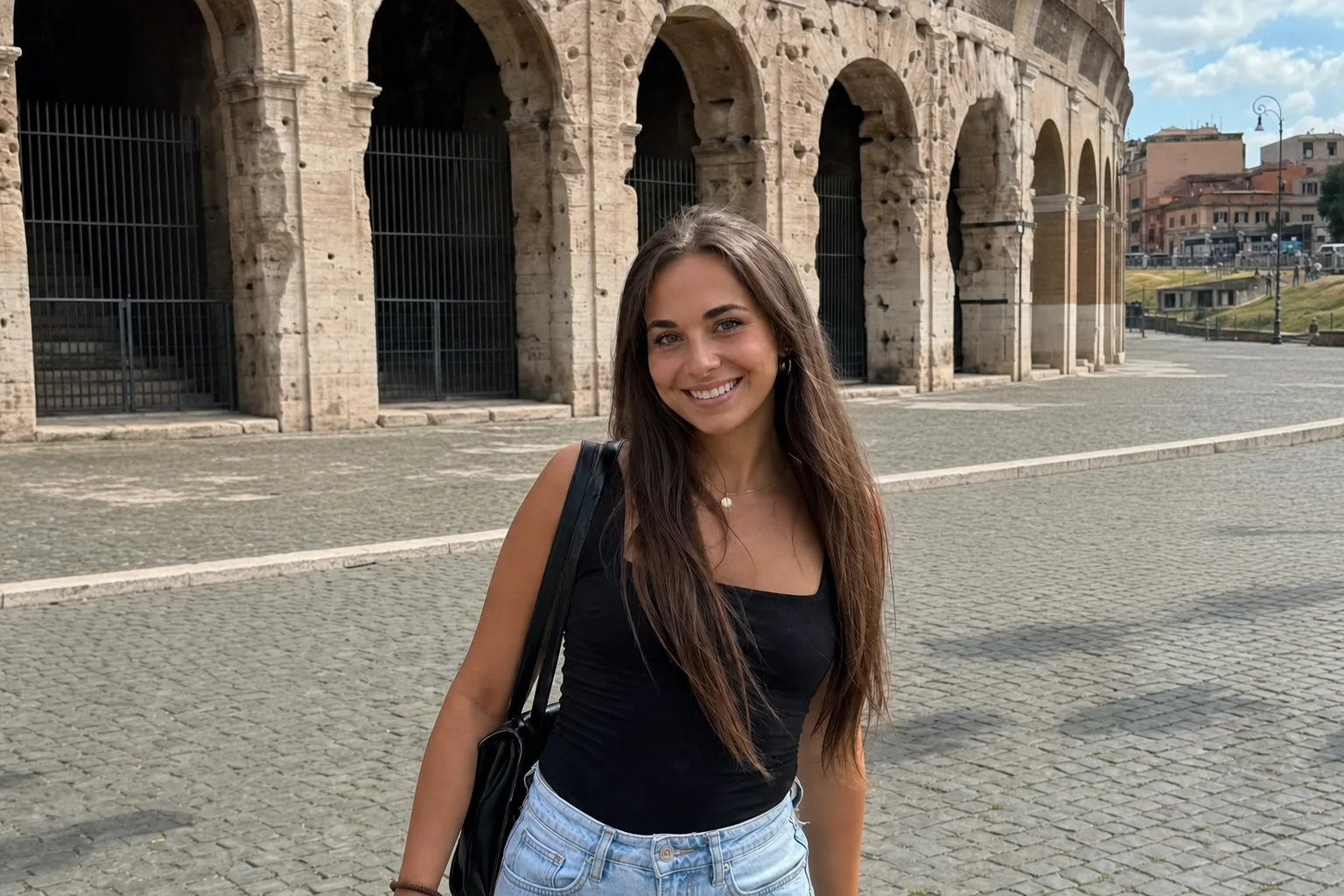
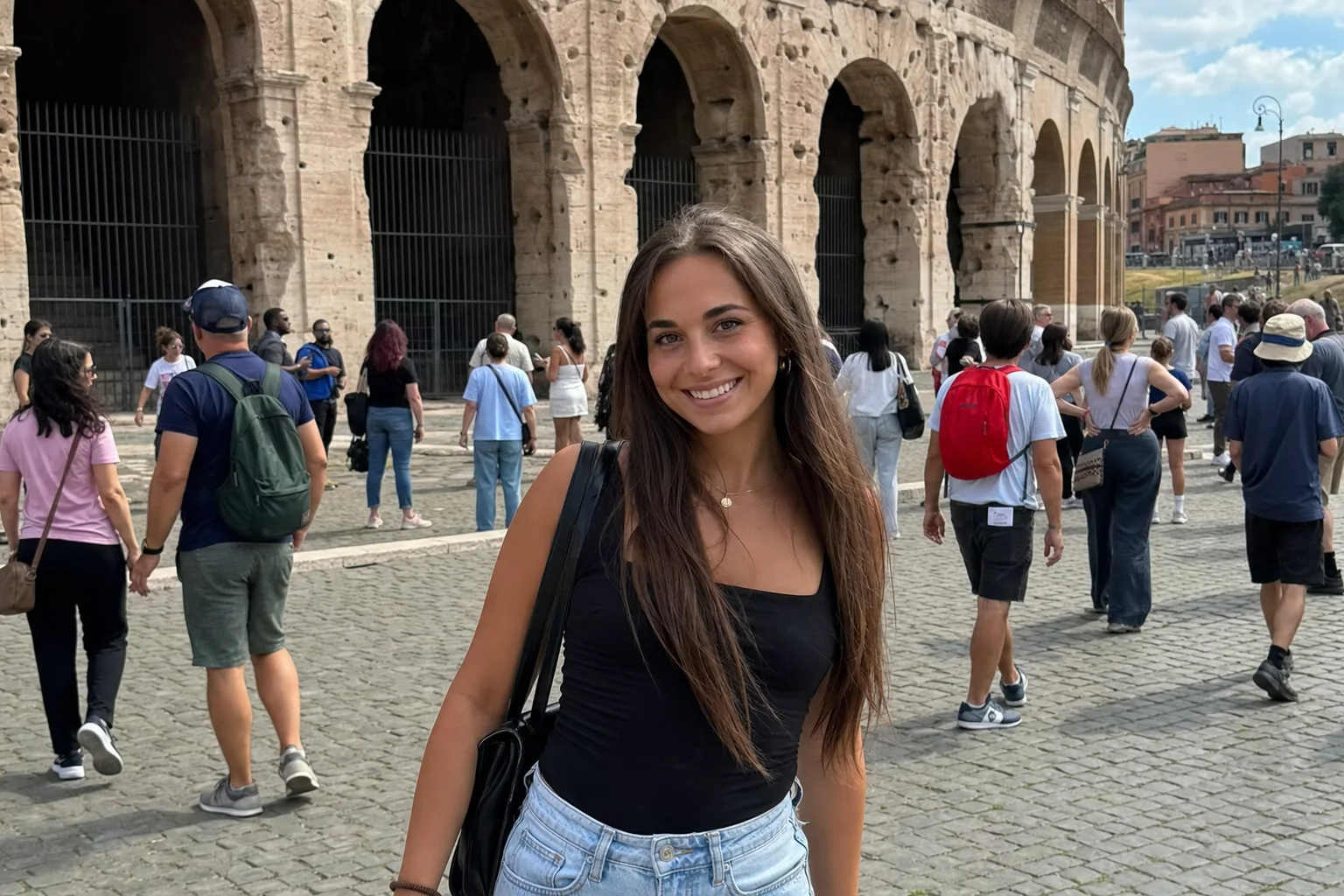
↔
ORIGINALREMOVEDDRAG TO COMPAREOpen the editor →PHOTO EDITS FREE · NO CARD
How it works
- 1
Drop your photo in the editor and tap the tourists you want gone.
- 2
Check the live preview — tap any other strangers or stray bags in the same shot.
- 3
Press Apply and download the clean PNG, ready to post.
What people use it for
- Landmark shots where the crowd never thinned out
- Vacation photos with strangers wandering through the frame
- Beach and viewpoint pictures with people in the background
- Solo and couple travel shots you want to yourselves
Questions
- Can it clear a whole crowd, not just one person?
- Every tap is its own selection, so you can remove several tourists in one render. A dense, wall-to-wall crowd is harder than a few stragglers — for the everyday handful behind you it rebuilds the scene cleanly.
- Will the landmark behind them look natural?
- The editor rebuilds what was behind each person — steps, stonework, water, sky — instead of smudging over the gap, so the monument stays intact where they were standing.
- Does it work on travel videos too?
- Yes — the same tap-to-remove works on video, with the tracking handled for you. Video uses credits; you get 3 free at signup.
- How much does it cost?
- Your first 3 photo edits are free. After that any credit pack unlocks unlimited photo editing for good — photos never spend credits, and there is no watermark. Video editing is 1 credit per started minute, with 3 free credits at signup.
- What formats can I upload?
- JPG, PNG, and WebP, up to 60MB per photo. The result downloads as a PNG.
- What happens to my photo afterwards?
- Your uploads are private to your account. Deleting an edit from your history also deletes the rendered result — and the uploaded photo itself once no other edit uses it.
- What if the selection isn't quite right?
- Refine and render again — extra taps add to the selection, − taps carve pieces out, and the brush paints exactly the region you want. Once photo editing is unlocked, re-rendering costs nothing, so iterate freely.
Related tools
- Remove a person from a photo
- Remove photobombers before you post
- Remove objects from a photo
- Remove a person from a video
Ready when you are — drop a photo in, tap or brush what should disappear, and download the result.
Remove tourists from your travel photos →