Object removal for content creators
A stranger in the background, a brand you can't clear, clutter on the desk — tap each one and it's gone from every frame of your b-roll, the scene rebuilt behind it. Vlogs and clips that look shot, not staged.
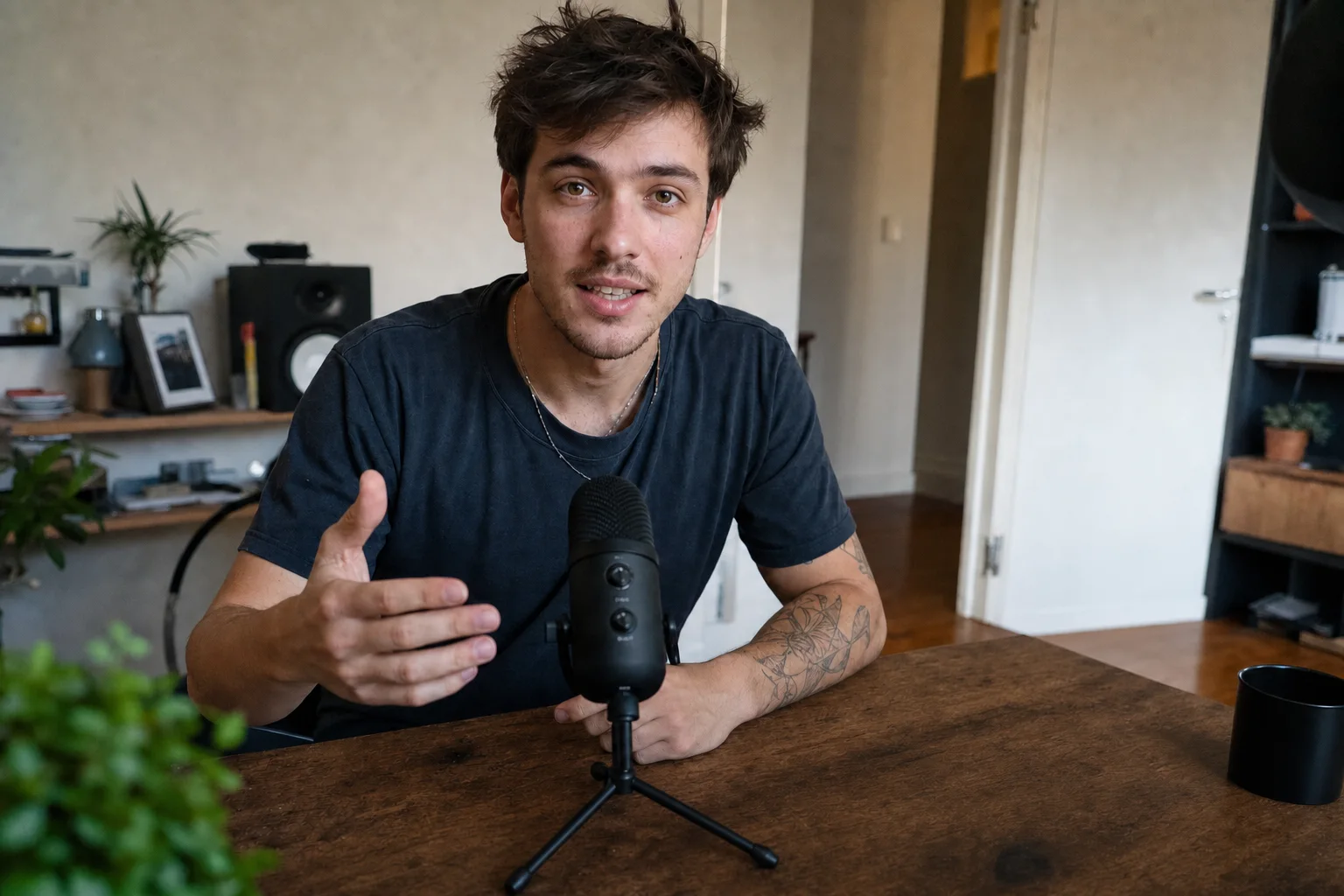
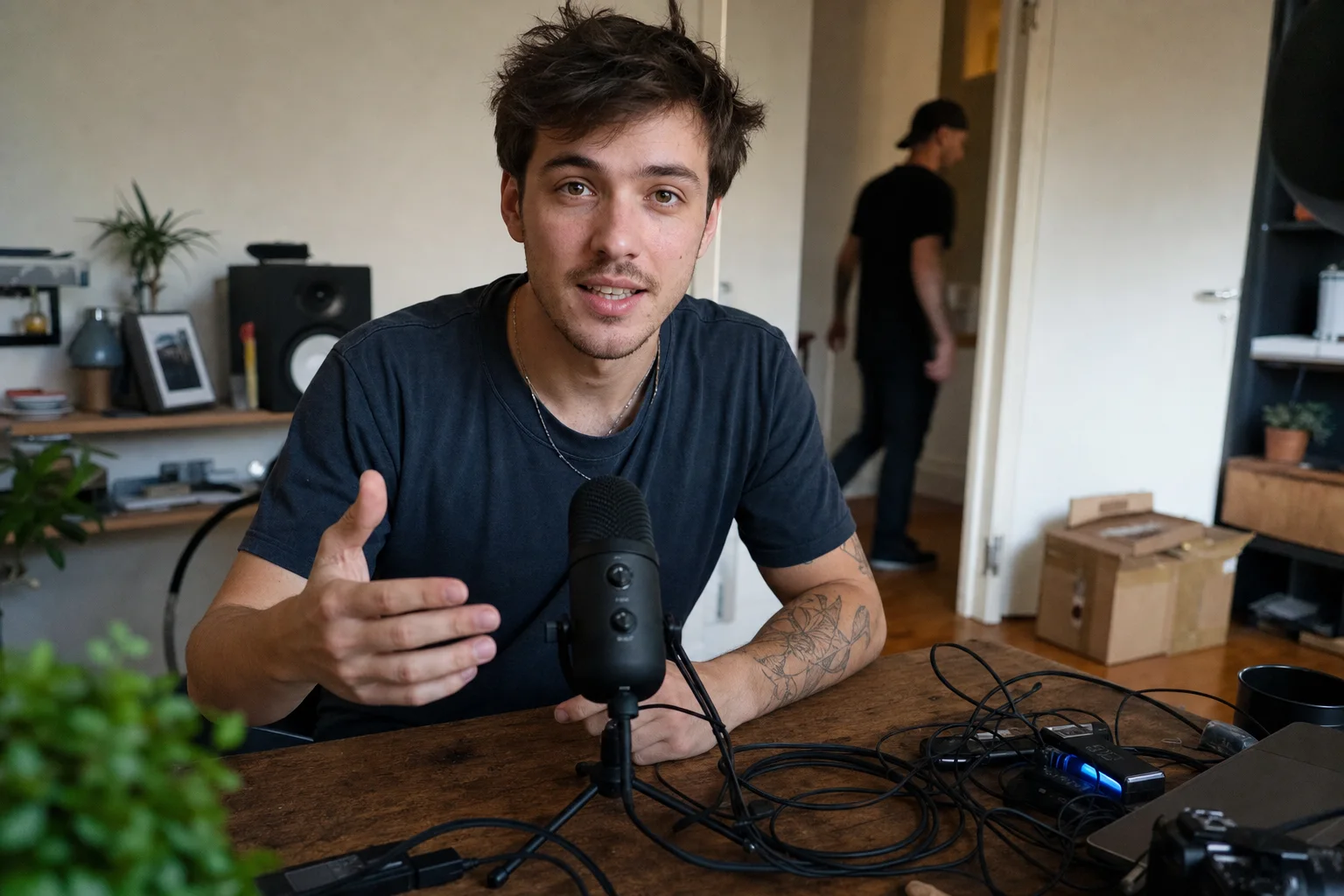
↔
ORIGINALREMOVEDDRAG TO COMPAREOpen the editor →3 FREE EDITS · NO CARD
How it works
- 1
Drop your b-roll or vlog clip in the editor and tap what shouldn't be there.
- 2
Alterframe tracks it through the clip — switch the effect to Remove and check the live preview.
- 3
Press render and download the MP4 with the object gone and the audio kept.
What people use it for
- Strangers and passersby wandering through your b-roll
- Logos and brands you don't have clearance to show
- Clutter, cables, and gear on the desk or in the background
- A boom mic, tripod leg, or reflection at the edge of frame
Questions
- What fills the space after something's removed?
- Alterframe rebuilds the background frame by frame — the object and its shadow are erased and the area is filled to match the scene, so it holds steady instead of flickering as the shot moves.
- Can I remove one thing and blur another in the same clip?
- Yes — each tapped object gets its own effect: remove the passerby, blur a logo, pixelate a face, all in one render.
- Can I strip a watermark or someone else's logo off a clip?
- No — this is for objects your own camera caught: strangers, clutter, brands in your footage. It's not a tool for removing watermarks or credits from content that isn't yours.
- How much does it cost?
- One credit covers one minute of video, and you get 3 free credits at signup — no card needed. Packs start at $9 for 15 minutes.
- What formats can I upload?
- MP4, MOV, and WebM, up to 5 minutes per video. The result downloads as MP4 with the original audio kept.
- What happens to my video afterwards?
- Your uploads are private to your account. Deleting an edit from your history also deletes the rendered result — and the uploaded video itself once no other edit uses it.
- What if the edit tracks the wrong thing?
- Re-rendering the same video within 24 hours is free (up to 3 fix-it renders per edit), so correcting a track never costs extra credits.
Related tools
- Remove objects from a video
- Remove a person from a video
- Blur part of a video for YouTube
- A magic eraser for video
Ready when you are — drop a video in, tap what should disappear, and Alterframe does the tracking.
Object removal for content creators →