Blur faces in security footage
Sharing the clip shouldn't expose everyone in it. Tap each bystander in your CCTV, doorbell, or dashcam footage and they stay blurred through every frame.
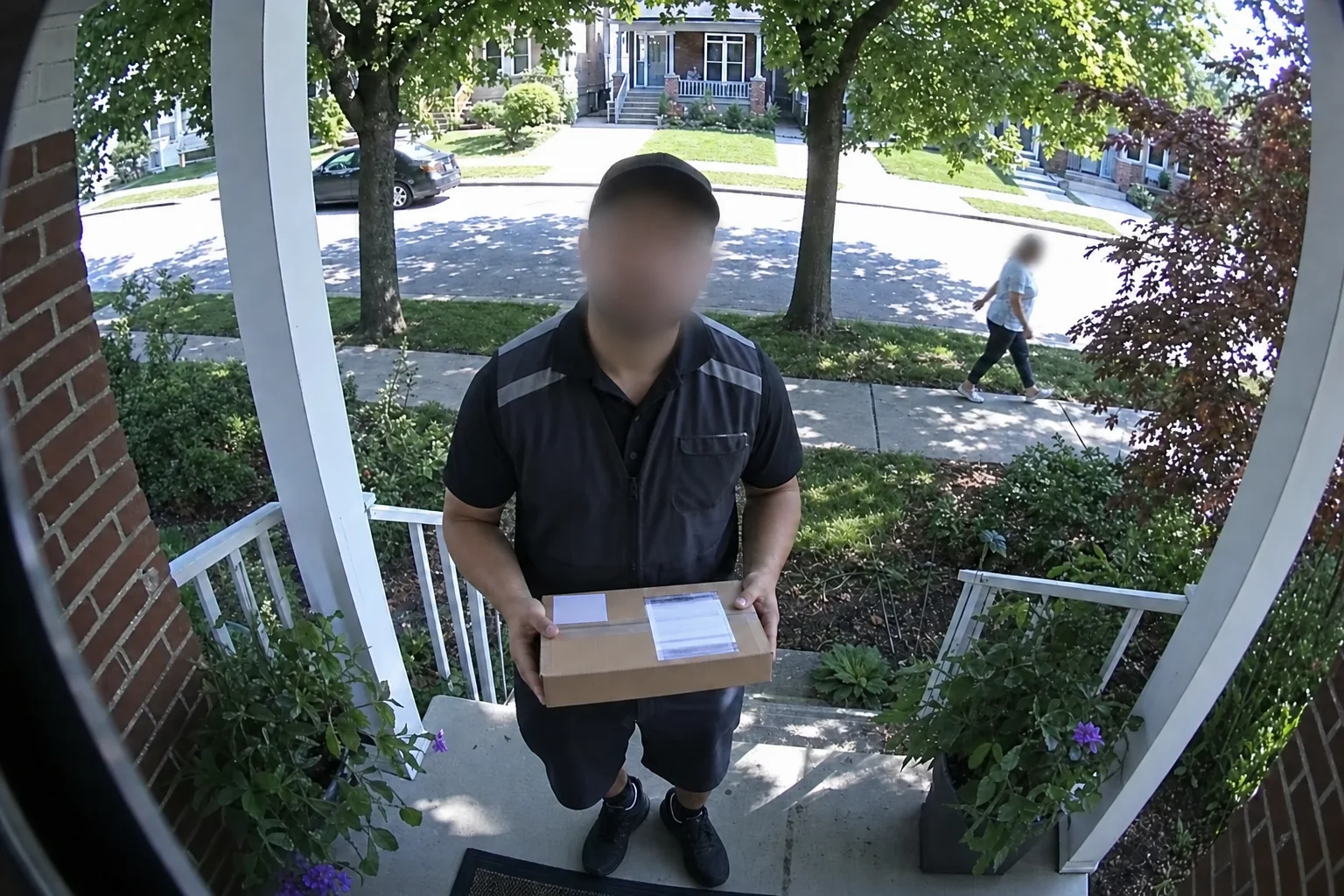
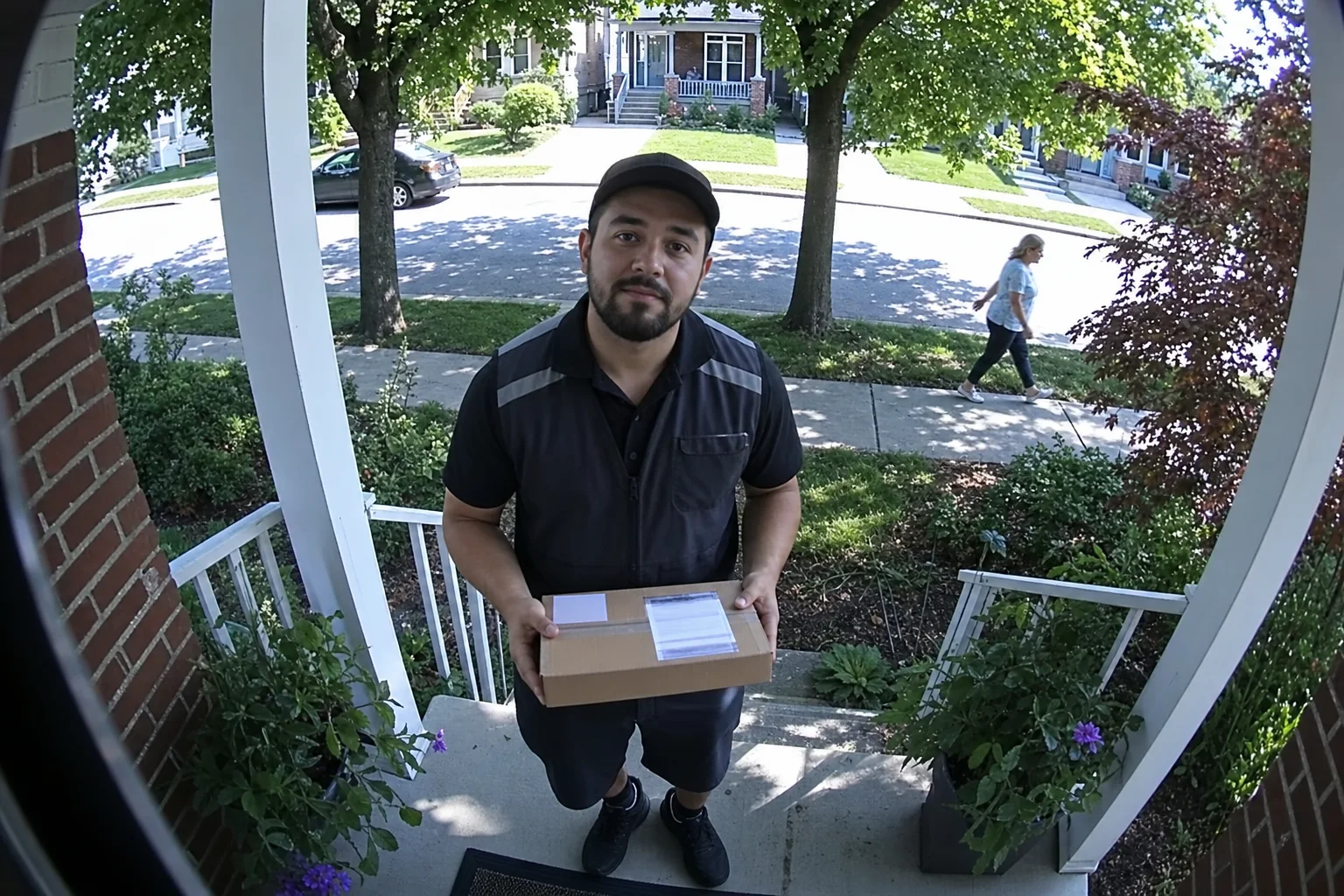
↔
ORIGINALBLURREDDRAG TO COMPAREOpen the editor →3 FREE EDITS · NO CARD
How it works
- 1
Export the clip from your camera app and drop it in — MP4, MOV, or WebM, up to 5 minutes.
- 2
Tap each person who isn't the point of the clip — neighbors, couriers, passersby — up to 4 tracked people.
- 3
Press Blur and download the masked MP4, ready to hand to whoever asked for it.
What people use it for
- Doorbell and porch clips posted to neighborhood apps
- Incident footage handed to insurers or property managers
- Storefront CCTV used for staff training or dispute resolution
- Any clip where one person matters and everyone else is a bystander
Questions
- Should I blur people before posting doorbell footage?
- Yes. The courier, the neighbor walking a dog — they didn't agree to be posted. Masking everyone who isn't the point keeps the useful part of the clip shareable without turning bystanders into content.
- The footage is grainy and people are small — will tracking hold?
- Tap the person on the frame where they're clearest — the tracker follows the whole figure, not just facial features, so low-light and low-resolution clips still track. Add reference taps if the camera cuts between views.
- How much does it cost?
- One credit covers one minute of video, and you get 3 free credits at signup — no card needed. Packs start at $9 for 15 minutes.
- What formats can I upload?
- MP4, MOV, and WebM, up to 5 minutes per video. The result downloads as MP4 with the original audio kept.
- What happens to my video afterwards?
- Your uploads are private to your account. Deleting an edit from your history also deletes the rendered result — and the uploaded video itself once no other edit uses it.
- What if the edit tracks the wrong thing?
- Re-rendering the same video within 24 hours is free (up to 3 fix-it renders per edit), so correcting a track never costs extra credits.
Related tools
Ready when you are — drop a video in, tap what should disappear, and Alterframe does the tracking.
Blur faces in security footage →