Blur part of a video online
No desktop editor, no plugins — drop a video in your browser, tap what should be blurred, and download the rendered MP4 minutes later.
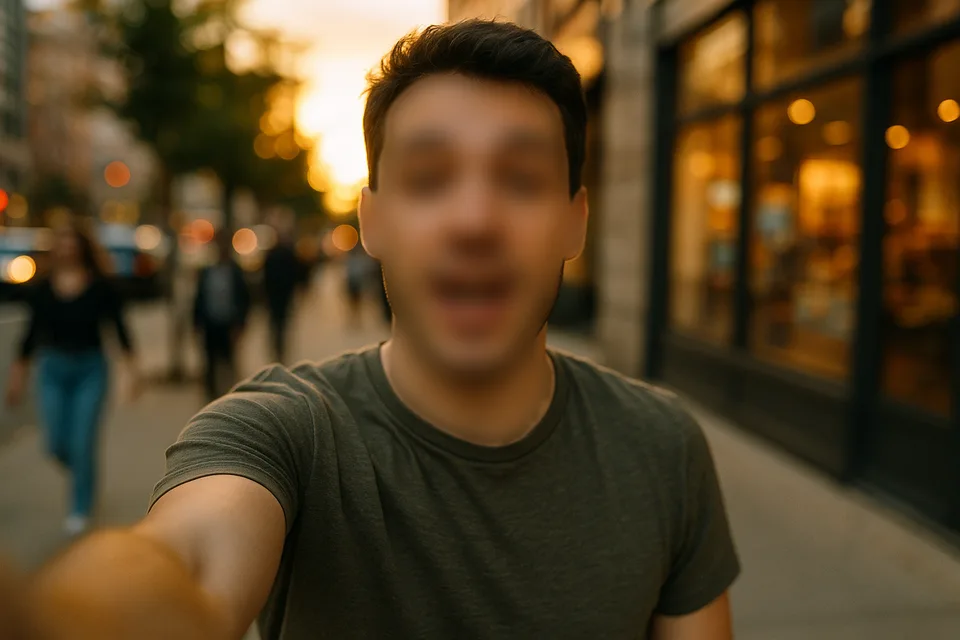
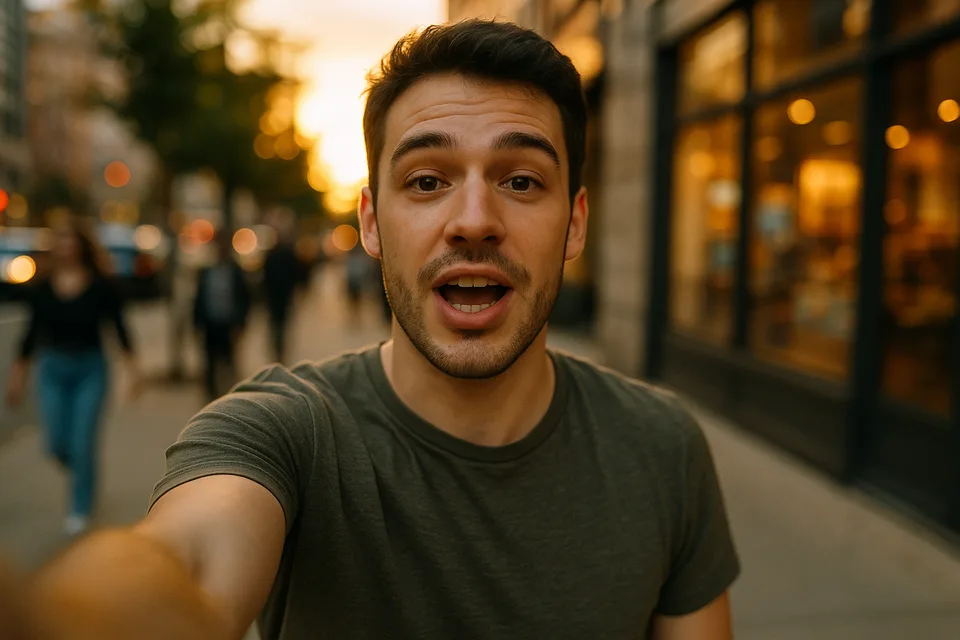
↔
ORIGINALBLURREDDRAG TO COMPAREOpen the editor →3 FREE EDITS · NO CARD
How it works
- 1
Drop an MP4, MOV, or WebM into the editor — it opens instantly in the browser.
- 2
Tap the person or object to blur; Alterframe segments and tracks it. Adjust strength on the live preview.
- 3
Press Blur and download the result with the original audio.
What people use it for
- Quick one-off blurs without opening Premiere or CapCut
- Blurring on a machine where you can't install software
- Creators cleaning up a clip minutes before posting
- Teams that need a shareable, repeatable blur workflow
Questions
- Is it really online — nothing to install?
- Yes. The editor runs in the browser and the rendering happens on our GPUs. Your upload stays private to your account, and deleting the edit deletes the files.
- How long does a render take?
- Roughly the length of the clip — a one-minute video renders in about a minute or two, and you can keep editing while it runs.
- How much does it cost?
- One credit covers one minute of video, and you get 3 free credits at signup — no card needed. Packs start at $9 for 15 minutes.
- What formats can I upload?
- MP4, MOV, and WebM, up to 5 minutes per video. The result downloads as MP4 with the original audio kept.
- What happens to my video afterwards?
- Your uploads are private to your account. Deleting an edit from your history also deletes the rendered result — and the uploaded video itself once no other edit uses it.
- What if the edit tracks the wrong thing?
- Re-rendering the same video within 24 hours is free (up to 3 fix-it renders per edit), so correcting a track never costs extra credits.
Related tools
- Censor a video online
- Blur part of a video for YouTube
- Blur a face in a video
- Blur a screen or text in a video
Ready when you are — drop a video in, tap what should disappear, and Alterframe does the tracking.
Blur part of a video online →