Blur part of a screen recording
You recorded the demo, then spotted your inbox in the corner. Tap the sensitive region once — the blur follows it through window drags, app switches, and zooms.
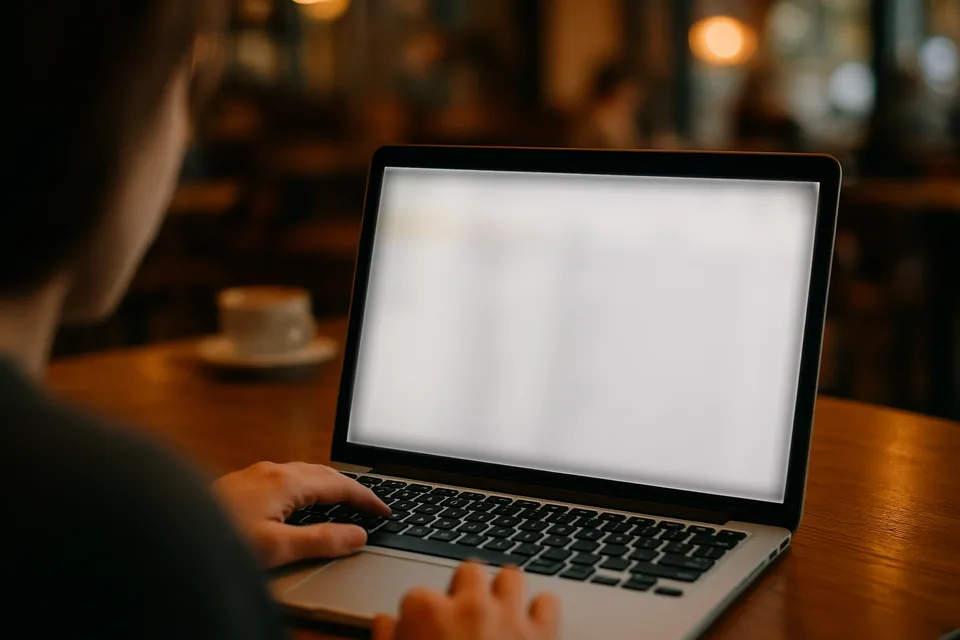
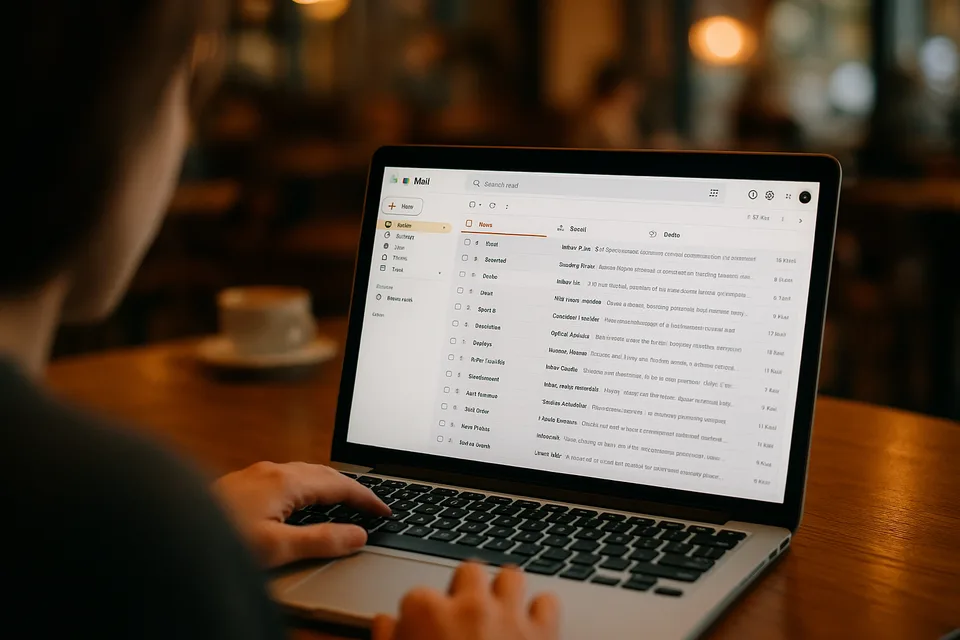
↔
ORIGINALBLURREDDRAG TO COMPAREOpen the editor →3 FREE EDITS · NO CARD
How it works
- 1
Record your screen as usual, then drop the file in — MP4, MOV, or WebM.
- 2
Tap the sensitive area — an inbox, a dashboard, an API key — and Alterframe tracks that region through the recording.
- 3
Press Blur and download the MP4, narration untouched.
What people use it for
- Product demos and tutorials recorded on your real account
- Bug reports and support videos with customer data on screen
- Notification pop-ups that arrived mid-recording
- Conference talks and screencasts showing internal dashboards
Questions
- Can someone recover the blurred text from the file?
- The render replaces those pixels at the strength you set — the exported MP4 has no original hidden underneath. Push the slider until the preview is unreadable; text needs a stronger blur than faces.
- Should I blur while recording or after?
- After. Blurring live means predicting every popup in advance; editing the recording means you catch what actually leaked. And if you spot a miss later, re-rendering within 24 hours is free.
- How much does it cost?
- One credit covers one minute of video, and you get 3 free credits at signup — no card needed. Packs start at $9 for 15 minutes.
- What formats can I upload?
- MP4, MOV, and WebM, up to 5 minutes per video. The result downloads as MP4 with the original audio kept.
- What happens to my video afterwards?
- Your uploads are private to your account. Deleting an edit from your history also deletes the rendered result — and the uploaded video itself once no other edit uses it.
- What if the edit tracks the wrong thing?
- Re-rendering the same video within 24 hours is free (up to 3 fix-it renders per edit), so correcting a track never costs extra credits.
Related tools
Ready when you are — drop a video in, tap what should disappear, and Alterframe does the tracking.
Blur part of a screen recording →