Blur people in drone footage
Aerial shots catch more than you framed — sunbathers, plates, backyards. Tap each one and it stays blurred, pixelated, or removed through the whole flight.
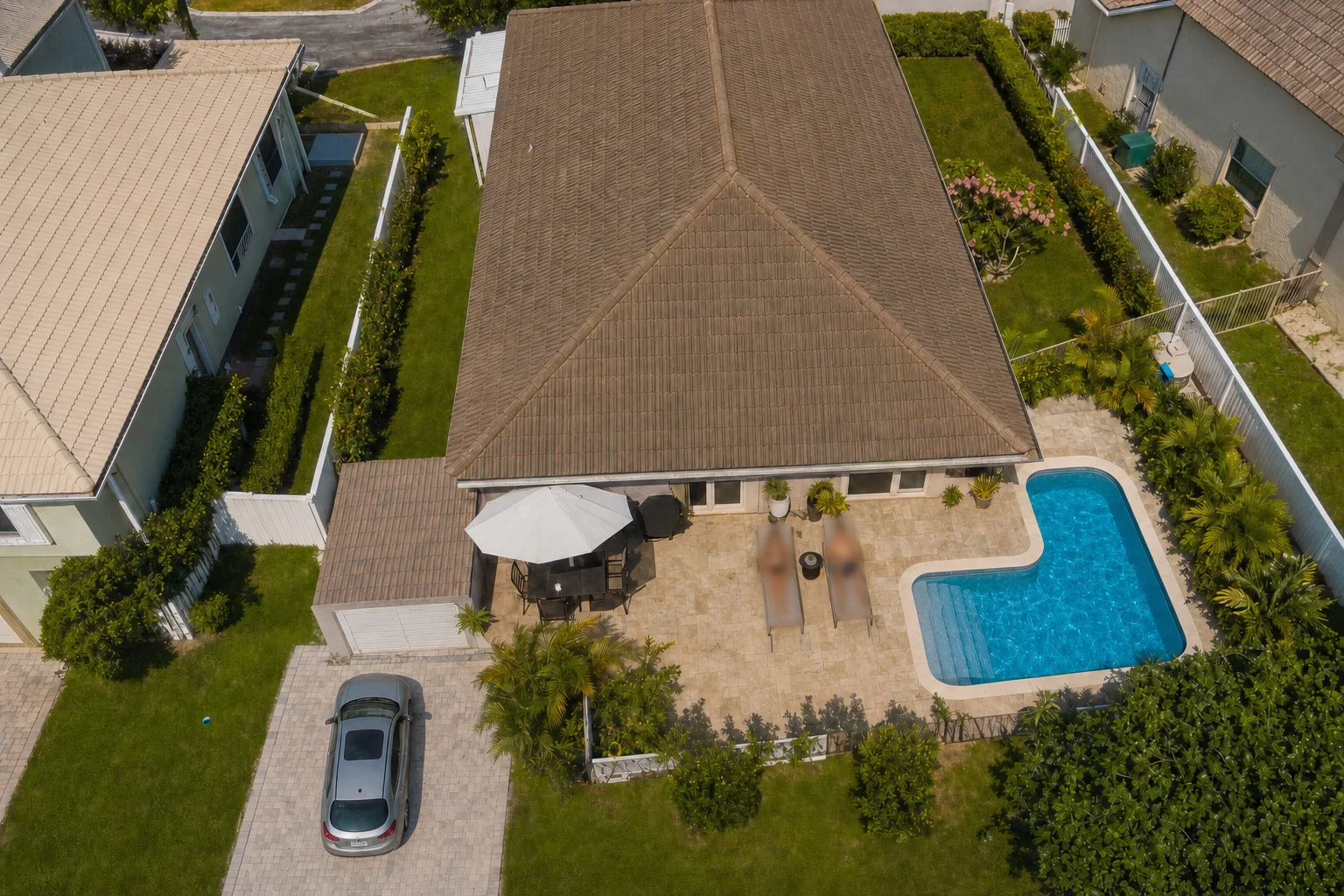
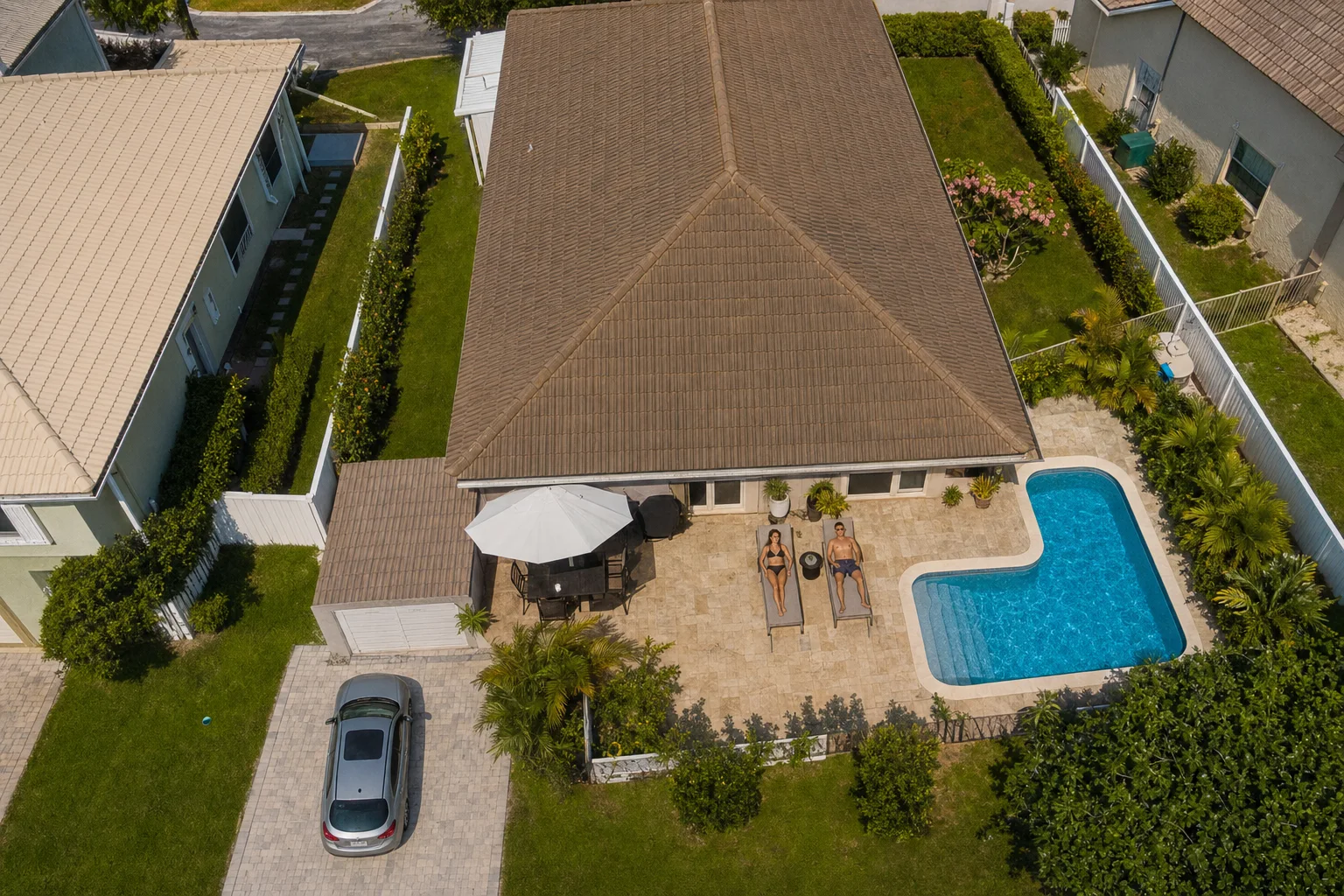
↔
ORIGINALBLURREDDRAG TO COMPAREOpen the editor →3 FREE EDITS · NO CARD
How it works
- 1
Drop the flight footage in and scrub to where people, cars, or houses are identifiable.
- 2
Tap each one — Alterframe tracks it while the drone pans, orbits, and pulls away.
- 3
Render and download the MP4, cleared for the listing, the reel, or the client.
What people use it for
- Real-estate aerials with neighbors' yards and cars in frame
- Travel and FPV clips that pass over people who didn't sign up to be filmed
- Mapping and inspection footage delivered to clients
- Neighborhood flyovers where plates and house numbers are readable
Questions
- Objects get tiny as the drone climbs — does the track hold?
- Tap the subject on a frame where it's clearly visible and the tracker follows it as it shrinks with altitude. Once something is a few pixels it's effectively anonymous anyway — the blur matters at the close end of the flight.
- Can I remove someone from the shot instead of blurring them?
- Yes — switch that object's effect to Remove and Alterframe erases them and rebuilds the ground behind them. You can blur one subject and remove another in the same render.
- How much does it cost?
- One credit covers one minute of video, and you get 3 free credits at signup — no card needed. Packs start at $9 for 15 minutes.
- What formats can I upload?
- MP4, MOV, and WebM, up to 5 minutes per video. The result downloads as MP4 with the original audio kept.
- What happens to my video afterwards?
- Your uploads are private to your account. Deleting an edit from your history also deletes the rendered result — and the uploaded video itself once no other edit uses it.
- What if the edit tracks the wrong thing?
- Re-rendering the same video within 24 hours is free (up to 3 fix-it renders per edit), so correcting a track never costs extra credits.
Related tools
- Blur a license plate in a video
- Remove a person from a video
- Anonymize a video
- Blur an address in a video
Ready when you are — drop a video in, tap what should disappear, and Alterframe does the tracking.
Blur people in drone footage →