Blur your child's face in a video
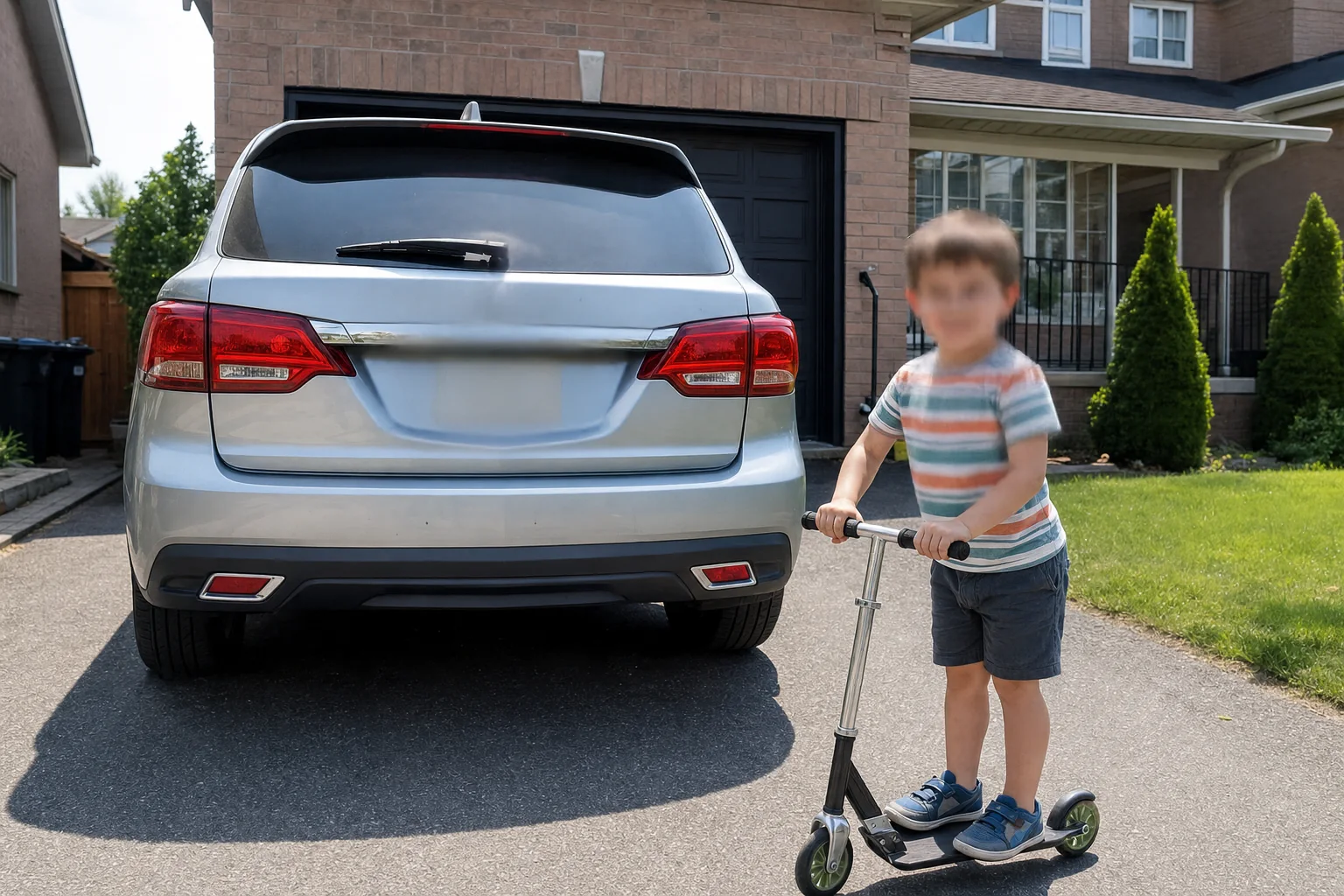
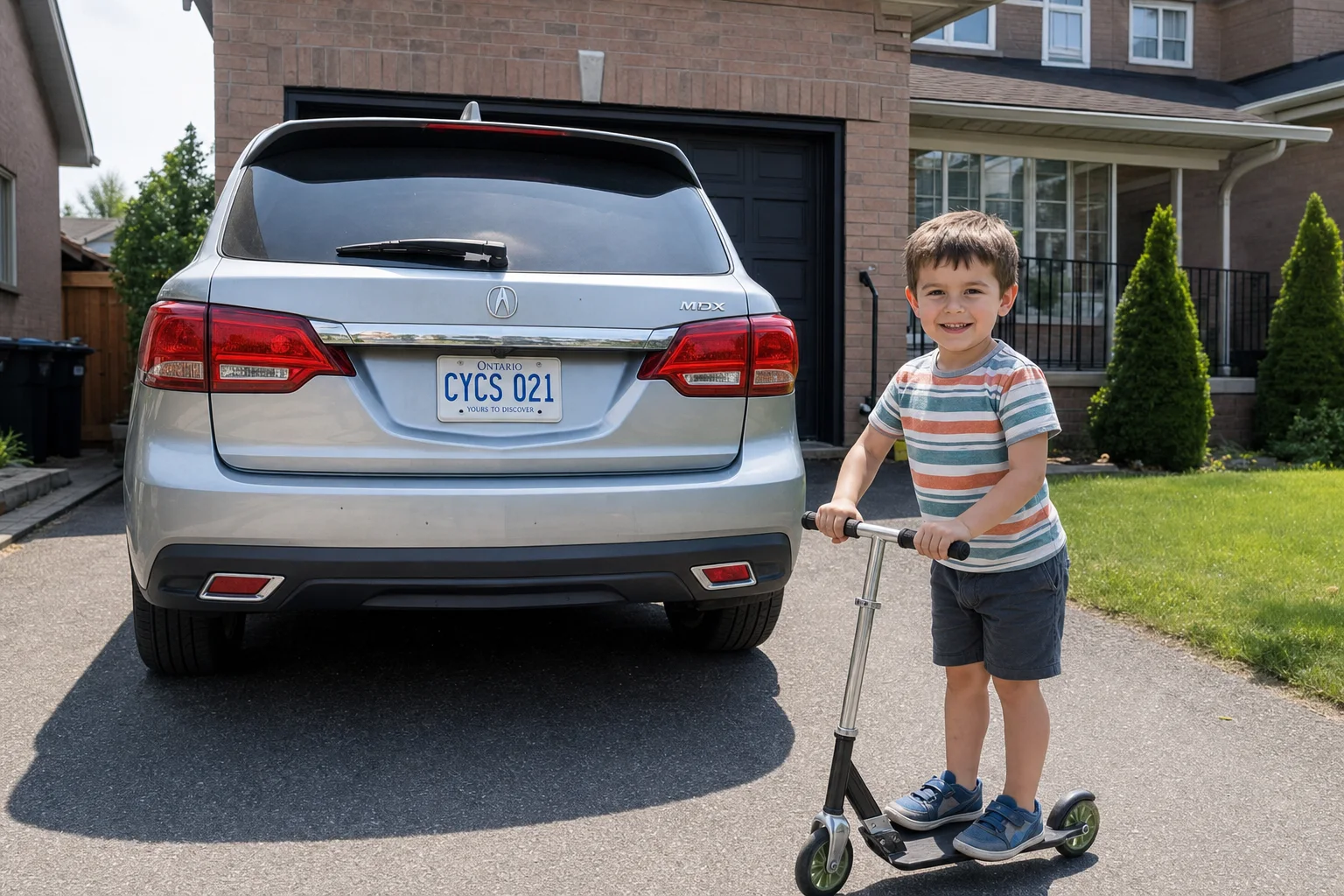
Post the birthday video without posting their face. Tap once — Alterframe tracks your kid through running, spinning, and hiding behind the cake, and blurs them in the render.
↔
ORIGINALBLURREDDRAG TO COMPAREOpen the editor →3 FREE EDITS · NO CARD
How it works
- 1
Drop the video in and tap your child's face — Alterframe selects them instantly.
- 2
Pick blur, pixelate, or a solid blob and set the strength on the live preview.
- 3
Press Blur and download the MP4 — same moment, same sound, their face stays theirs.
What people use it for
- Family videos shared to public or semi-public accounts
- Other people's kids at parties, games, and school events
- Parenting content where your child hasn't chosen to be public
- Classroom and activity clips teachers share with families
Questions
- Kids never stand still — will the blur keep up?
- Yes, that's what the tracking is for. It follows them through running, turning, and ducking behind things, and if they dash out of frame and back, an extra reference tap re-anchors the track.
- Can I blur several children in the same video?
- Yes — up to 4 people per video, each tapped once with their own effect and strength: blur your own kid, pixelate their friends.
- How much does it cost?
- One credit covers one minute of video, and you get 3 free credits at signup — no card needed. Packs start at $9 for 15 minutes.
- What formats can I upload?
- MP4, MOV, and WebM, up to 5 minutes per video. The result downloads as MP4 with the original audio kept.
- What happens to my video afterwards?
- Your uploads are private to your account. Deleting an edit from your history also deletes the rendered result — and the uploaded video itself once no other edit uses it.
- What if the edit tracks the wrong thing?
- Re-rendering the same video within 24 hours is free (up to 3 fix-it renders per edit), so correcting a track never costs extra credits.
Related tools
- Blur a face in a video
- Pixelate a face in a video
- Blur part of a video for YouTube
- Anonymize a video
- Blur students' faces in a video
Ready when you are — drop a video in, tap what should disappear, and Alterframe does the tracking.
Blur your child's face in a video →