Anonymize a video
Faces, plates, tattoos, name badges — tap each identifying detail once and Alterframe keeps it hidden through every frame. Blur it, pixelate it, or remove it entirely.
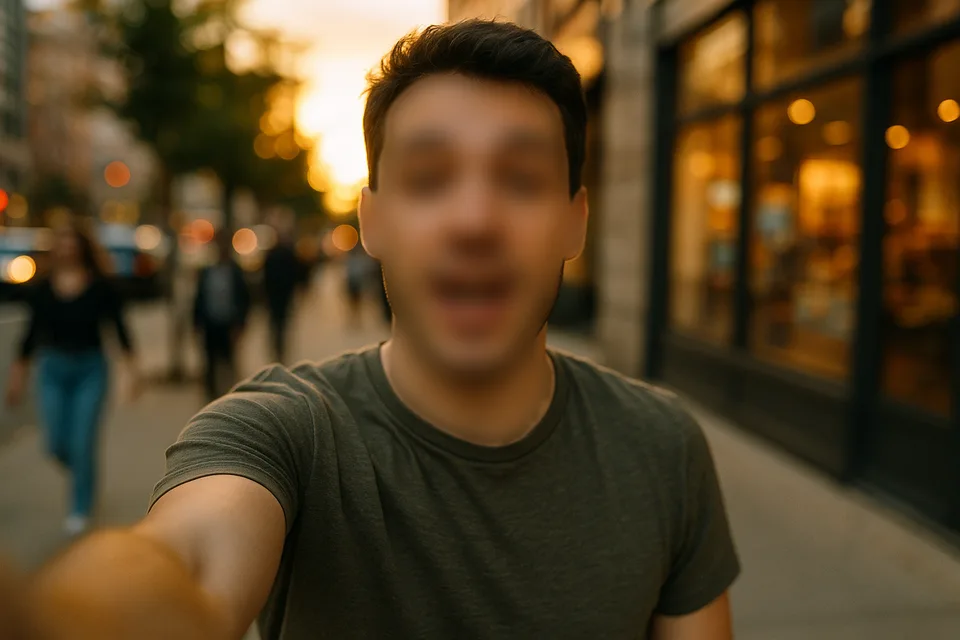
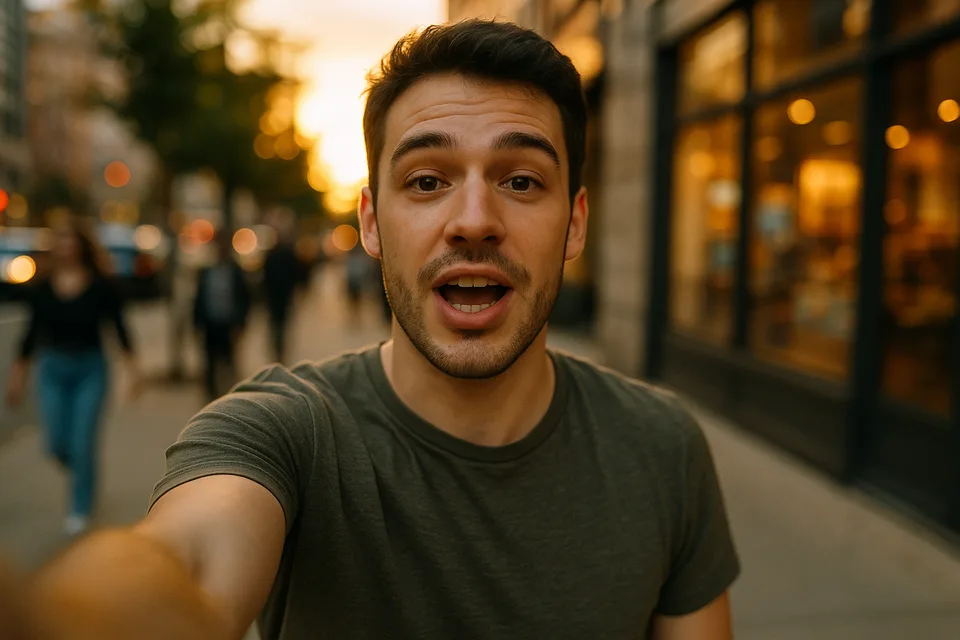
↔
ORIGINALBLURREDDRAG TO COMPAREOpen the editor →3 FREE EDITS · NO CARD
How it works
- 1
Drop your video in and tap everything that could identify someone — a face, a plate, a name on a badge.
- 2
Pick blur, pixelate, blob, or remove per object — up to 4, each tracked through the whole clip.
- 3
Render and download the anonymized MP4; your upload stays private to your account and is deletable.
What people use it for
- Research and user-testing recordings shared beyond the lab
- Protest and street footage where bystanders shouldn't be identifiable
- Workplace and training video shown outside the people in it
- Footage you publish under GDPR or a consent agreement
Questions
- Is blurring a face enough to anonymize someone?
- A strong blur or pixelation defeats recognition of the face itself, but context can still identify people — clothing, tattoos, location. Tap those too, or switch a subject to Remove where hiding the face isn't enough.
- What about voices?
- Alterframe edits the picture only — the original audio is kept as-is in the MP4. If a voice is identifying, strip or replace the audio track in another tool after downloading.
- How much does it cost?
- One credit covers one minute of video, and you get 3 free credits at signup — no card needed. Packs start at $9 for 15 minutes.
- What formats can I upload?
- MP4, MOV, and WebM, up to 5 minutes per video. The result downloads as MP4 with the original audio kept.
- What happens to my video afterwards?
- Your uploads are private to your account. Deleting an edit from your history also deletes the rendered result — and the uploaded video itself once no other edit uses it.
- What if the edit tracks the wrong thing?
- Re-rendering the same video within 24 hours is free (up to 3 fix-it renders per edit), so correcting a track never costs extra credits.
Related tools
Ready when you are — drop a video in, tap what should disappear, and Alterframe does the tracking.
Anonymize a video →