Hide your face in a video
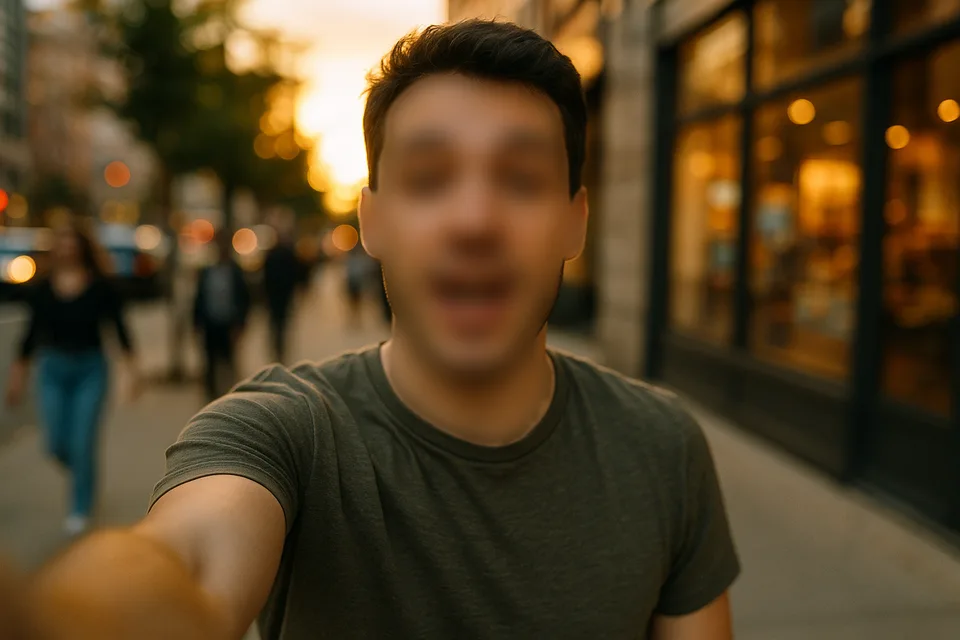
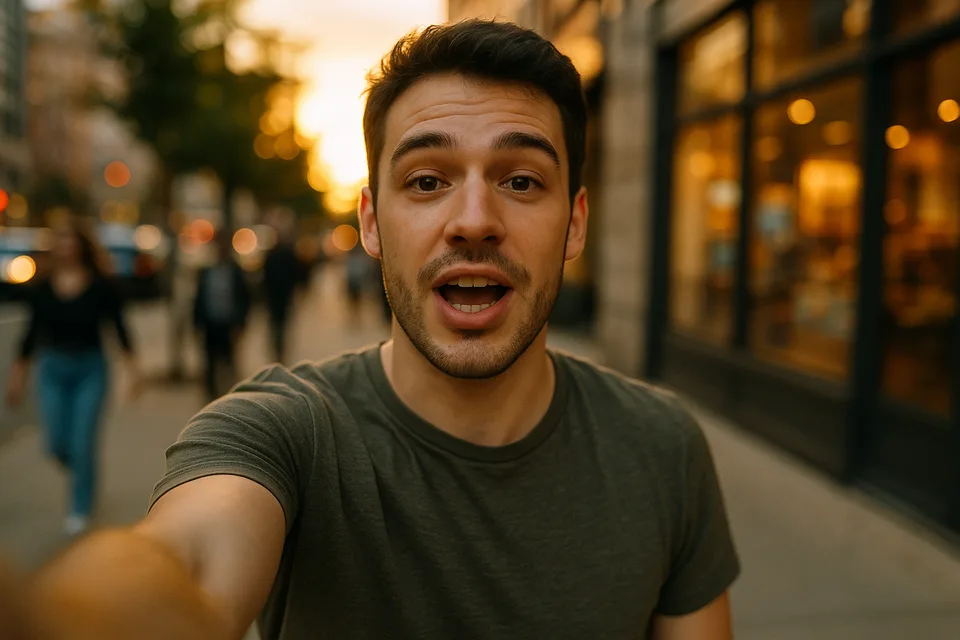
Show the work, not the face. Tap yourself once and Alterframe keeps you hidden through every frame — blurred, pixelated, or blobbed out — while your voice and everything else stay as filmed.
↔
ORIGINALBLURREDDRAG TO COMPAREOpen the editor →3 FREE EDITS · NO CARD
How it works
- 1
Film normally — no ducking out of frame or hiding under a hood — and drop the clip in.
- 2
Tap your face, pick blur, pixelate, or blob, and set how unrecognizable to be on the live preview.
- 3
Render and download the MP4 with your voice and the rest of the shot untouched.
What people use it for
- Faceless YouTube, TikTok, and Instagram content filmed in the real world
- Tutorials and reviews where your hands matter but your face doesn't
- Marketplace and product videos without your face attached to the listing
- Talking-head clips you want out in the world, minus the face
Questions
- Which hides identity best — blur, pixelate, or blob?
- Blob is absolute: a solid shape with nothing to reverse. Heavy blur or pixelation also defeat recognition and look more natural, and edges are feathered so none of them read as tape over the lens. The effect bakes into the render either way.
- Do I have to hide my face in every clip separately?
- Each video is its own edit — tap, render, download, a couple of minutes per clip. Re-renders of the same video within 24 hours are free while you dial in the look.
- How much does it cost?
- One credit covers one minute of video, and you get 3 free credits at signup — no card needed. Packs start at $9 for 15 minutes.
- What formats can I upload?
- MP4, MOV, and WebM, up to 5 minutes per video. The result downloads as MP4 with the original audio kept.
- What happens to my video afterwards?
- Your uploads are private to your account. Deleting an edit from your history also deletes the rendered result — and the uploaded video itself once no other edit uses it.
- What if the edit tracks the wrong thing?
- Re-rendering the same video within 24 hours is free (up to 3 fix-it renders per edit), so correcting a track never costs extra credits.
Related tools
Ready when you are — drop a video in, tap what should disappear, and Alterframe does the tracking.
Hide your face in a video →